

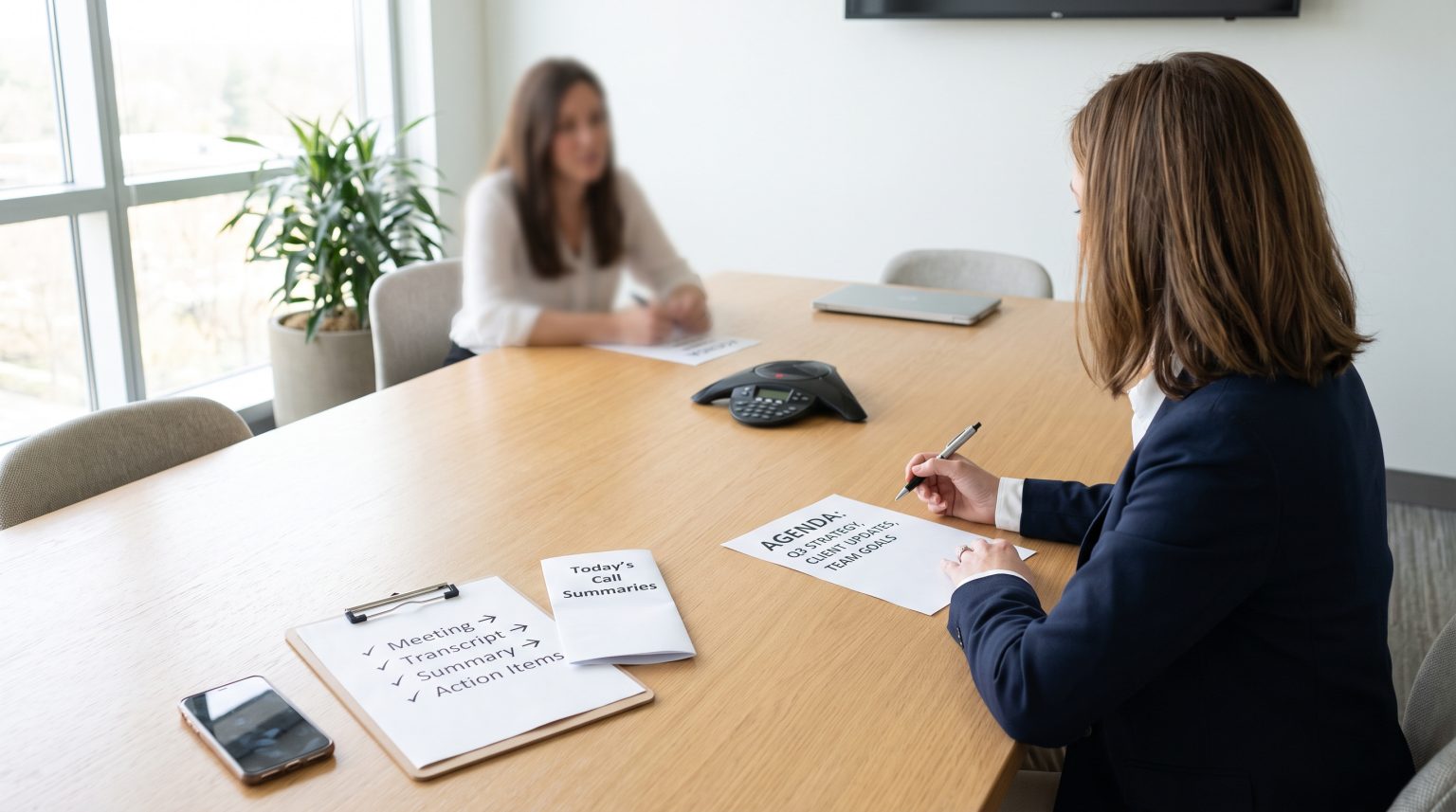
If you have ever sat through a two-hour meeting only to spend another hour writing up notes, chasing action items, and trying to remember who said what, you already know the problem. Manual transcription and note-taking are among the most underestimated time drains in business. They feel necessary, but they rarely feel productive. And for business owners who are already stretched thin, they represent a real cost in both time and decision-making speed.
The good news is that there is a smarter way to handle this. A transcription virtual assistant combines human judgment with powerful AI tools to take this entire task off your plate, and the results go well beyond just saving time.
Why Manual Transcription Is Costing You More Than You Think
Most business owners do not track how many hours per week go into meeting notes, call summaries, and follow-up documentation. When you add it up across your team, the number is often surprising. Research consistently shows that professionals spend a significant portion of their workweek on tasks that could be delegated or automated.
Beyond the raw time cost, disorganized or delayed notes create a downstream problem. Decisions get postponed. Action items get missed. Clients do not hear back as quickly as they should. Whether you run a coaching practice, a real estate agency, or a professional service firm, these gaps have a direct impact on your client experience and revenue.
What Is a Transcription Virtual Assistant?
A transcription virtual assistant is a trained remote professional who manages the full lifecycle of your meeting and call documentation. This goes well beyond simply typing up what was said. A skilled transcription VA will join or review your recorded meetings, use AI-powered tools to generate accurate transcripts, review and clean up the output, extract key decisions and action items, and deliver organized summaries directly into your preferred workflow.
At Doneverse, the virtual assistants we call Doers are pre-trained in exactly these kinds of tasks. They arrive ready to work with the tools your business already uses, and they focus exclusively on your business rather than splitting their attention across multiple clients.
The AI Tools That Make a Transcription VA So Effective
A modern transcription virtual assistant does not work with a notepad and a slow typing speed. They work with some of the most capable AI tools available today. Here is a look at the platforms that make a real difference.
- Otter.ai: Provides live, searchable transcripts during meetings, with speaker identification and automatic summary generation. It integrates with Zoom, Google Meet, and Microsoft Teams.
- Fireflies.ai: Records, transcribes, and analyzes calls with features for tagging key moments, tracking topics, and pushing summaries directly to CRM platforms like HubSpot and Salesforce.
- Fathom: Focuses on call recording and highlights, making it especially useful for sales and client-facing teams who need fast, focused summaries without wading through full transcripts.
- NotebookLM: A Google-powered tool that allows VAs to organize and query large volumes of transcribed content, turning meeting archives into a searchable knowledge base for your business.
Used by a skilled VA, these tools produce results that automated tools alone simply cannot match. The human layer adds context, catches errors, and ensures the output is actually useful rather than just technically accurate.
What Tasks Can a Transcription VA Handle?
The scope of what a transcription virtual assistant can manage is broader than most business owners expect. Beyond transcribing meetings, a capable VA can handle the following.
- Writing concise meeting summaries with clear action items and owners
- Updating CRM records with notes from client or sales calls
- Creating searchable archives of past meetings organized by client, project, or topic
- Drafting follow-up emails based on call content
- Flagging urgent decisions or unresolved issues for immediate attention
- Integrating notes into project management tools like Asana, ClickUp, or Notion
This level of support transforms a passive administrative task into an active productivity system.
Comparing Your Options: Manual vs. AI Tools vs. Transcription VA
| Factor | Manual Transcription | Automated AI Tools Alone | Transcription Virtual Assistant |
|---|---|---|---|
| Speed | Slow, often delayed | Fast but requires review | Fast with accurate, ready-to-use output |
| Accuracy | High but time-intensive | Variable, especially with accents or jargon | High, with human review and context |
| Cost | High in staff time | Low tool cost, but hidden review time | Predictable, cost-effective at scale |
| CRM and Tool Integration | Manual and inconsistent | Partial, depends on tool | Full, managed by VA across platforms |
| Security | Depends on individual habits | Varies by platform | Managed with clear protocols and NDAs |
| Action Item Extraction | Inconsistent | Basic tagging only | Clear, organized, and prioritized |
Common Questions About Transcription Virtual Assistants
How secure is it to share meeting content with a transcription VA?
Security is a reasonable concern and one that a professional VA service addresses directly. A reputable transcription virtual assistant operates under a non-disclosure agreement, uses secure file-sharing platforms, and follows clear protocols for handling sensitive content. At Doneverse, all Doers are vetted and operate within a structured framework that protects your business information.
Can a transcription VA integrate notes with project management or CRM platforms?
Yes, and this is one of the most valuable capabilities they bring. A trained VA can push meeting summaries and action items directly into tools like Asana, ClickUp, Notion, HubSpot, or Salesforce. This eliminates the gap between what was discussed and what actually gets done.
What is the ROI of outsourcing transcription versus using team time?
When you calculate the hourly rate of the team members currently handling transcription and note-taking, the math usually favors delegation quickly. Beyond cost, the ROI includes faster decisions, fewer missed action items, and more time for your team to focus on billable or high-value work. Doneverse clients consistently report meaningful time savings within the first few weeks of working with a dedicated Doer.
How to Onboard a Transcription VA: Practical Steps
Getting started is simpler than most business owners expect. Here is a straightforward process to follow.
- Audit your current process: Identify where meeting notes, call summaries, and transcription tasks currently live and who handles them.
- Choose your preferred tools: Decide which transcription platform fits your meeting setup. Otter.ai and Fireflies.ai are strong starting points for most businesses.
- Document your preferences: Give your VA a brief on your preferred summary format, level of detail, and where notes should be delivered.
- Establish a secure sharing protocol: Set up a shared folder or workspace and define how recordings or access will be granted.
- Review and refine: Spend the first week reviewing outputs and providing feedback so the VA can calibrate to your exact standards.
Businesses across a wide range of industries, from coaches and consultants to professional service firms, have used this approach to build a documentation system that runs itself.
Best Practices for Getting the Most From Your Transcription VA
- Always record meetings rather than relying on live note-taking, so your VA can work from a clean source.
- Send your VA a brief agenda or context before each call so they can flag the most relevant moments.
- Create a simple naming convention for recordings so archives stay organized from day one.
- Schedule a weekly review of action items extracted from meetings to keep your team aligned.
- Use your searchable transcript archive proactively when preparing for follow-up calls or proposals.
Stop Letting Transcription Steal Your Time
The hours lost to manual transcription and disorganized meeting notes are hours that could go toward growing your business, serving your clients, or simply finishing your workday at a reasonable hour. A transcription virtual assistant is not a luxury. For most business owners, it is one of the most practical and immediately impactful investments they can make in their time.
If you are ready to reclaim those hours, Doneverse can match you with a pre-trained Doer who is equipped to handle your transcription, documentation, and admin needs from day one. Learn how the Doneverse system works and book a discovery call to find out how quickly you could get your time back.